
Trikdis FLEXi Keypad SK-LCD button – Guida rapida utente
- 01.07.2025
- Produttore: Trikdis
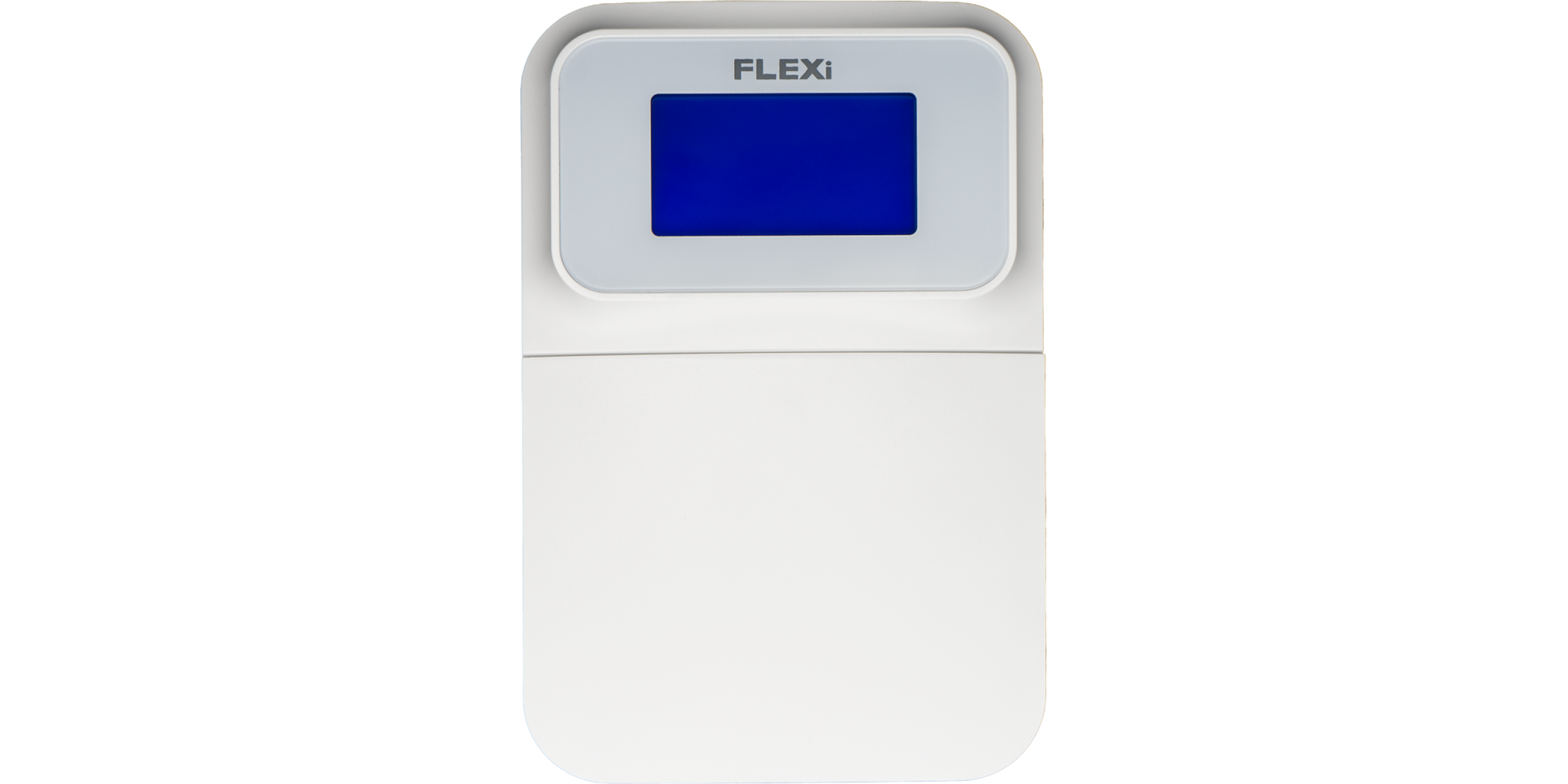

Panoramica delle funzioni
- Date
- Time
- Area Status Indication
- Area Control Buttons
- Menu Button
Alarm System (Away) ARMING
- Make sure no zones are violated.
- Premere [

 ].
]. - Enter your user code.
- Selezionare la area.
- Premere [
 ].
]. - Leave the area within the exit delay time.
When the system is armed, the  icon appears on the display.
Alarm System DISARMING
- Enter your user code.
- Selezionare la area.
- Premere [].
When the system is disarmed, the  icon appears on the display.
Modalità NOTTE / SONNO
The building's perimeter is secured, free movement inside is allowed. Alarms upon door/window opening.
- Premere [
 ].
]. - Enter your user code.
- Selezionare la area.
- Premere [].
- NIGHT arming activates immediately.
The  icon appears on the display when NIGHT arming is active.
Modalità STAY (In casa)
There is an entry delay. Free movement inside is allowed.
- Premere [
 ].
]. - Enter your user code.
- Selezionare la area.
- Premere [].
- STAY arming activates immediately.
The  icon appears on the display when STAY arming is active.
To change the area status, simply enter the user code and select the desired area. To clear entered commands, press the [ ].
].
Adding a new code / Modifying an existing one:
- Premere [
 ], then the [0].
 - Inserire il codice master (predefinito: 1234).
- Enter the two-digit serial number of the user (e.g., 02).
- Inserire il nuovo codice due volte.
- Select the areas assigned to the user.
- Premere [].
To exit, press the [] button again.
Nota
- Master code serial number: [01]
- Codes consist of 4 digits.
Deleting a user code:
- Premere [], then the [0].
- Inserire il codice master.
- Enter the two-digit serial number of the user (e.g., 02).
- Premere []. (A confirmation sound will be heard.)
- Premere [].
To exit, press the [] button again.
Attivare l'esclusione:
- Premere [], then the [6].
- Enter your user code.
- Inserire il numero a due cifre della/e zona/e. È possibile inserirne più di una, es. 05 poi 11.
- Premere []. ( l'icona appare sul display se una zona è esclusa.)
Disattivare l'esclusione:
Ripetere i passaggi di attivazione.
Inviare un segnale di emergenza:
- Polizia – tenere premuto il pulsante [1] per 3 secondi
- Emergenza medica Aid – tenere premuto il pulsante [4] per 3 secondi
- Vigili del fuoco – tenere premuto il pulsante [7] per 3 secondi
Nota: Funziona solo con un abbonamento di sorveglianza remota attivo.
Reimpostare i rivelatori di incendio (fumo):
- Premere [] button for 3 seconds.
Nota: I rivelatori di incendio e/o fumo non si reimpostano automaticamente dopo un allarme. Devono essere reimpostati manualmente.
Button Brightness
- Premere [], then buttons [5] and [3].
- Adjust the brightness with buttons [2] / [8].
- To save [], to exit [].
LCD Display Brightness
- Premere [], then buttons [5] and [2].
- Adjust the brightness with buttons [2] / [8].
- To save [], to exit [].
Keypad Volume
- Premere [], then buttons [5] and [1].
- Adjust the volume with buttons [2] / [8].
- To save [], to exit [].
Disabling Standby Light
This setting controls whether the keypad backlight illuminates even when the device enters standby mode (i.e., has not been pressed for a while).
- Premere [], then buttons [5] and [4].
- By pressing button [1], you can set the backlight to illuminate in standby mode, while with button [2], you can set it to turn off.
- To save [], to exit [].


La tastiera „SK-LED button" gestisce 64 zone e 8 aree. Le aree possono essere assegnate a singole tastiere. Disponibile dalla versione FW:SP3_xxx4_0121 della centrale.
Tag:
Articoli correlati
Presentazione del FLEXi SP3 – La migliore centrale d'allarme int
- 10.08.2020
Il Trikdis FLEXi SP3: centrale d'allarme intelligente con comunicatore integrato – versatile, rapida ed economicamente conveniente.
Leggi di più
Processo di aggiornamento firmware della tastiera FLEXi LCD
- 06.03.2023
Guida all'aggiornamento del firmware del tastierino Trikdis FLEXi LCD.
Leggi di più
Trikdis FLEXi Keypad SK-LED button – Guida rapida utente
- 10.07.2025
Guida rapida per la tastiera Trikdis FLEXi SK-LED button: inserimento, disinserimento, gestione codici, esclusione zone e funzioni di emergenza.
Leggi di piùProdotti correlati
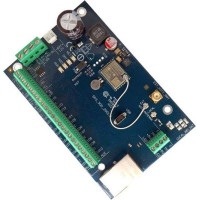
Trikdis FLEXi SP3 Ethernet centrale d'allarme intelligente
Trikdis FLEXi SP3 Ethernet è una centrale d'allarme intelligente flessibile e versatile con comunica..
€139,90 IVA esclusa: €113,74
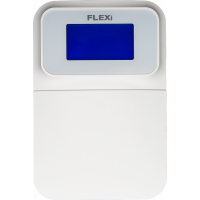
Trikdis SK-LCD tastiera a pulsanti
Il FLEXi SK-LCD Button è un tastierino affidabile e facile da usare con display LCD e tasti fisici p..
€67,90 IVA esclusa: €55,20